Guide
Google reviews: how to get more for your business
The most reliable way to get more Google reviews is to ask every customer right after their visit – and make it a single tap. A direct review link, a QR code or an NFC stand at the counter removes the friction, and an automated SMS reaches those who have already left. Here is the full method, Google's rules and what to do about a bad review.
Updated October 2026
Why Google reviews matter so much
Google itself states that review count and rating are part of how businesses rank in local search and on Google Maps. More and newer reviews make it easier to be found when someone searches for, say, "hairdresser near me".
The stars are also the first thing a new customer sees. Most people pick the business with the most and best reviews – even if it is a few minutes further away.
How to create a direct link to your Google review page
- 1
Open your Business Profile
Search for your business name on Google while signed in with the account that manages the profile, or open business.google.com.
- 2
Choose "Ask for reviews"
Google shows a short link and a QR code that open the review window directly.
- 3
Share the link everywhere
Use it in SMS, email, on receipts, in your email signature – and behind a QR code or NFC chip at the counter.
If you do not have a Google Business Profile yet, it has to be created and verified first. Without a profile, customers cannot review you on Google.
5 ways to get more Google reviews
- 1
Ask in the moment
Customers are most positive right after a good experience. A short "Would you leave us a Google review?" at the counter works – especially when it can be done on the spot.
- 2
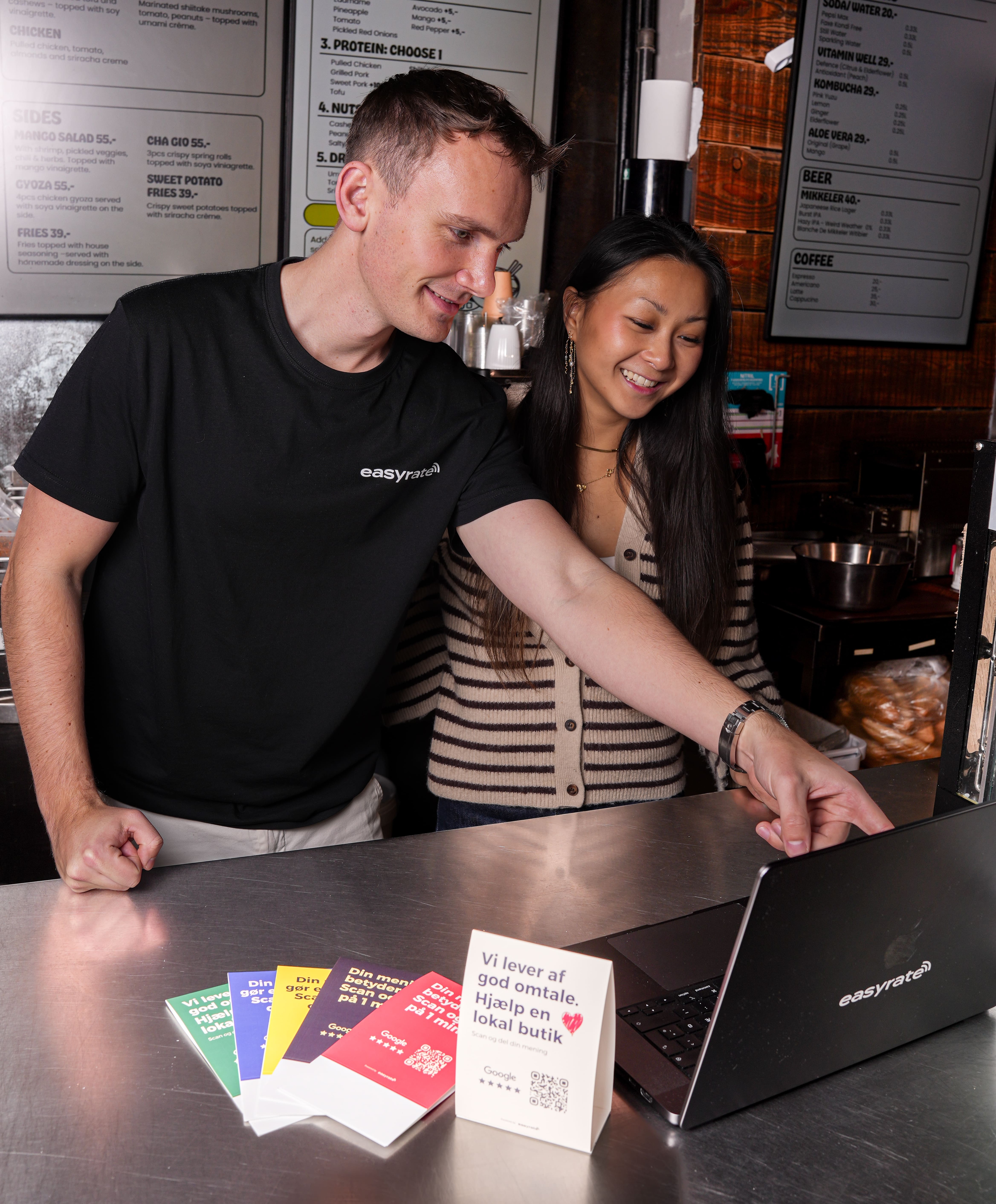
NFC stand at the counter
The customer holds their phone to the stand and the review page opens instantly. No searching, no app. The stand also has a QR code for phones without NFC.
- 3
QR code on tables, counter or receipt
A cheap and simple option that works on any phone with a camera. Place it where customers are waiting anyway.
- 4
SMS or email after the visit
An automated message shortly after the visit reaches customers who did not get to it in store. It works especially well for clinics, salons and trades with bookings.
- 5
Reply to the reviews you get
When customers see that you reply – also to criticism – they are more likely to write one themselves. It also shows new customers that you take feedback seriously.
Google's rules: what you can and cannot do
Asking customers for a review is perfectly fine. But Google removes reviews and can restrict profiles that break the rules. You must not:
- Pay for reviews or offer discounts, gifts or other benefits in return.
- Only ask happy customers or discourage negative reviews.
- Buy reviews or let employees, family or yourself review the business.
- Write reviews on behalf of customers or from the same device in your store.
Rule of thumb: ask every customer the same way and make it easy – but let the customer decide what to write.
What to do about a bad Google review
- 1
Reply calmly and quickly
Thank them for the feedback, acknowledge the experience and offer to fix it – ideally with a phone number or email. Every future customer reads your reply.
- 2
Report it only if it breaks the rules
You can ask Google to remove a review that is fake, harassing, unrelated to your business or contains personal data. You do this from the review in your Business Profile. Disagreement alone is not enough.
- 3
Get more new reviews
The best counterweight to one bad review is many new, honest reviews from happy customers.
What our customers achieved
more reviews at Haus Concept in Aalborg – now top 3 on Google Maps
reviews in 6 months at Tandhuset Valby – previously 1–2 a year
new reviews in the first month at Storch Attitude in Aalborg
Make it a single tap for your customers
The easyrate NFC stand takes customers straight to your Google review page. First stand and platform included for €89 a year – no commitment.
Frequently asked
questions
Ask every customer right after the visit and make it a single tap with a direct review link, a QR code or an NFC stand at the counter. Send an automated SMS or email to those who did not do it on the spot, and reply to the reviews you get.