Guide
Google Business Profile: how to rank higher on Google Maps
Your Google Business Profile is what customers see when they search for you or for "hairdresser near me": name, address, opening hours, photos and stars. The profile is free. Google ranks local businesses on three things – relevance, distance and how well known the business is – and the number of reviews feeds directly into the last one.
Updated October 2026
What is a Google Business Profile?
The Google Business Profile (formerly Google My Business) is your business listing in Google Search and Google Maps. It shows address, phone, opening hours, website, photos, reviews and your replies to them. It is free to create and manage.
How to create and verify the profile
- 1
Go to business.google.com
Sign in with the Google account the business will be managed from – ideally a shared account, not an employee's personal one.
- 2
Search for the business
If it already exists (because customers added it), claim it. Otherwise create a new one with name, category and address.
- 3
Verify
Google asks you to confirm that you represent the business – for example with a video of the location, phone, SMS or email. The options depend on the business.
- 4
Fill in everything
Opening hours, phone, website, services, description and photos. A complete profile matches more searches.
What decides your Google Maps ranking
Google itself says local results are mainly decided by three factors:
- Relevance: how well the profile matches the search. The right category and complete information help.
- Distance: how far the business is from the searcher. You cannot change this.
- Prominence: how well known the business is – based in part on links from other websites and the number of reviews.
Google also says that more reviews and positive ratings can improve local ranking, and that you cannot pay for a better position. Reviews are one of the few factors you can influence directly.
7 things that make the profile stronger
- 1
Choose the most precise primary category
"Dentist" rather than "Health". Only add extra categories that fit.
- 2
Keep opening hours up to date
Including public holidays. Wrong hours lead to bad experiences – and bad reviews.
- 3
Use real photos
Front, interior, team and products. Photos help customers choose you.
- 4
Get reviews continuously
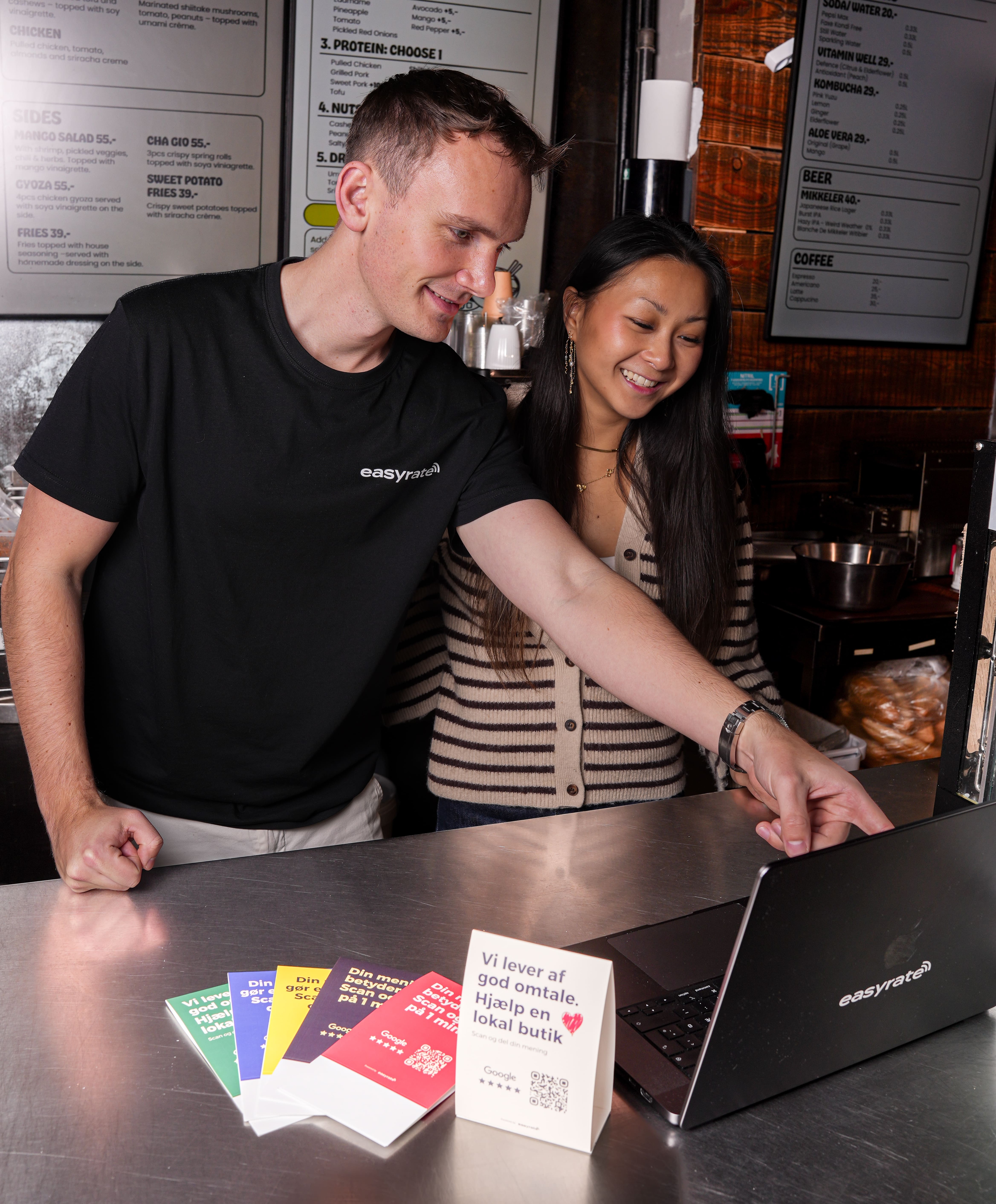
Ask every customer and make it a single tap with a direct link, a QR code or an NFC stand at the counter.
- 5
Reply to every review
Google recommends replying – it shows you value feedback, and new customers read the replies.
- 6
Same details everywhere
Same name, address and phone on your website, directories, Facebook and elsewhere.
- 7
Link from your website
Show your address and a map on the website and link to the profile.
The fastest way to more reviews on your profile
The easyrate NFC stand takes customers straight to your Google review page with one tap. First stand and platform for €89 a year – no commitment.
More guides
- NFC solutions for businesses – in your design, managed from one platformCustom NFC stands, plates, stickers and cards with your brand – and one platform for links, QR codes and statistics.
- What is NFC? How it works – on iPhone, Android and in-storeNFC explained simply: how it works, iPhone and Android, NFC vs QR – and what businesses use it for.
- Google reviews: how to get more for your businessDirect review link, QR code, NFC stand and SMS – and Google's rules for asking for reviews.
- Local SEO: how to get your business found in your areaWhat gets a physical business shown on Google and Maps when people search nearby.
- NFC tags: what they are and how businesses use themHow NFC tags work, which chip to choose, and how shops and clinics use them for reviews.
- NFC stickers for businesses – how to get the most out of themWhat NFC stickers can do, where to place them, and how to manage the link afterwards.
Questions about
the Business Profile
No. Creating and managing a Google Business Profile is free. Google also states that you cannot pay for a better local ranking.